Published
Facebook account hacked: what to do in the first hour
Locked out of Facebook? The right order of steps in the first hour, how to use facebook.com/hacked, and what to secure once you are back in.
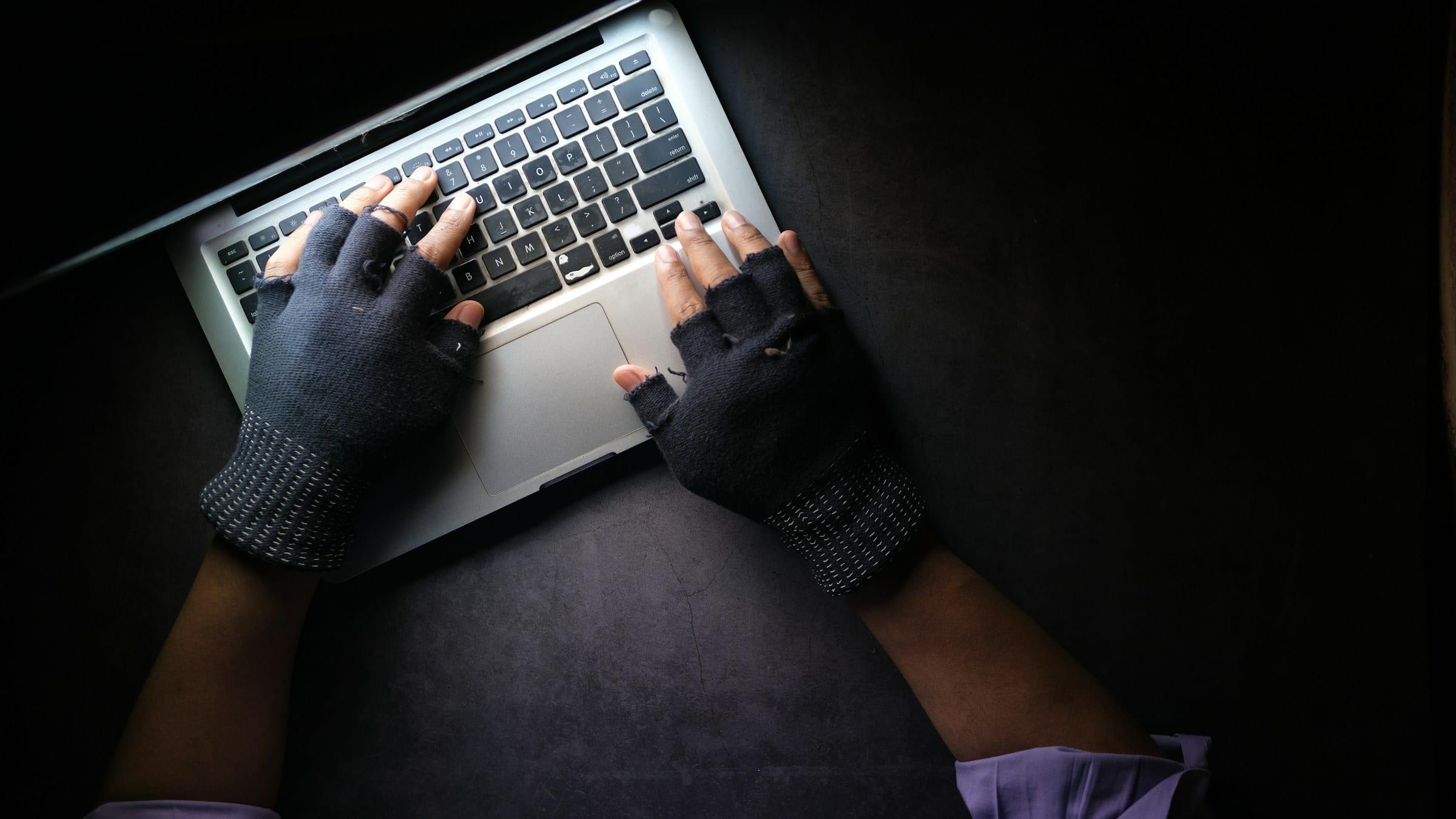
Seeing your Facebook post strange things, message friends asking for money, or suddenly refuse your password is stressful. Panic leads to mistakes, like clicking a "recovery" link sent by a stranger. Here is the order we recommend, based on Meta's official guidance.
Signs your account was taken over
Meta lists common signs:
- Your password, email or phone number changed without you doing it.
- Your name, birthday or profile details changed.
- Friend requests were sent to people you don't know.
- Messages or posts appeared that you didn't write.
- Ads were created in your name.
The first hour, in order
1. Use a familiar device. Meta recommends visiting facebook.com/hacked on a device you've previously used to log into Facebook, ideally on a familiar network. Recognised devices and locations make recovery smoother.
2. Check your old email. If someone changed your email address, Meta sends a message to the previous email address with a special link to reverse the change and secure the account. Check your inbox and spam folder now.
3. Follow the facebook.com/hacked flow. It guides you through changing your password and reviewing recent logins. Depending on the case, you may be asked to confirm your identity, including an optional video selfie or an ID.
4. Warn friends and family. Ask them to ignore requests for money, one-time codes or links coming from your account for now.
Never click a "recover your account" link sent by a stranger via Messenger, comments or email. Official recovery pages live on facebook.com or meta.com.
Meta's Account Recovery & Support hub collects the official entry points for Facebook, Instagram and Threads. In late 2025 Meta also said it had improved recovery with better recognition of familiar devices, flows that adapt to each case, and an optional video selfie check.
If you no longer have the email or phone number
This is the hardest case. The hacked account help page has a dedicated path for when you can't access the email or phone linked to the account. Be patient, use your usual device and give accurate information. Repeated attempts from many unfamiliar devices often trigger extra locks.
Back in? Do these five things now
- Set a new password that is long and not reused anywhere.
- Log out of unknown devices: Accounts Center → Password and security → Where you're logged in, select unfamiliar sessions and log out (guide).
- Check your email and phone number and remove anything that isn't yours.
- Turn on two-factor authentication, preferably an authenticator app, security key or passkey rather than SMS alone.
- Review Page and ad account access if you manage a Page or run ads. Remove strangers and check payment methods.
Note: Meta is gradually replacing Accounts Center with Meta Account (announced April 2026, rolling out over about a year). If you see the new name, password and security settings are still there.
What not to do
- Don't pay anyone promising to "unlock it in 5 minutes" by "accessing the system". Only Meta can do that.
- Never share passwords, login codes or recovery codes.
- Don't create a new account impersonating the old one, which can itself break the rules.
How AT Media can help
If you are the account owner and still stuck after these steps, AT Media can review your situation with you, pick the right official recovery path and prepare your ID or video selfie correctly. We work only with owners, explain the status and our fee up front, and keep your information private.